
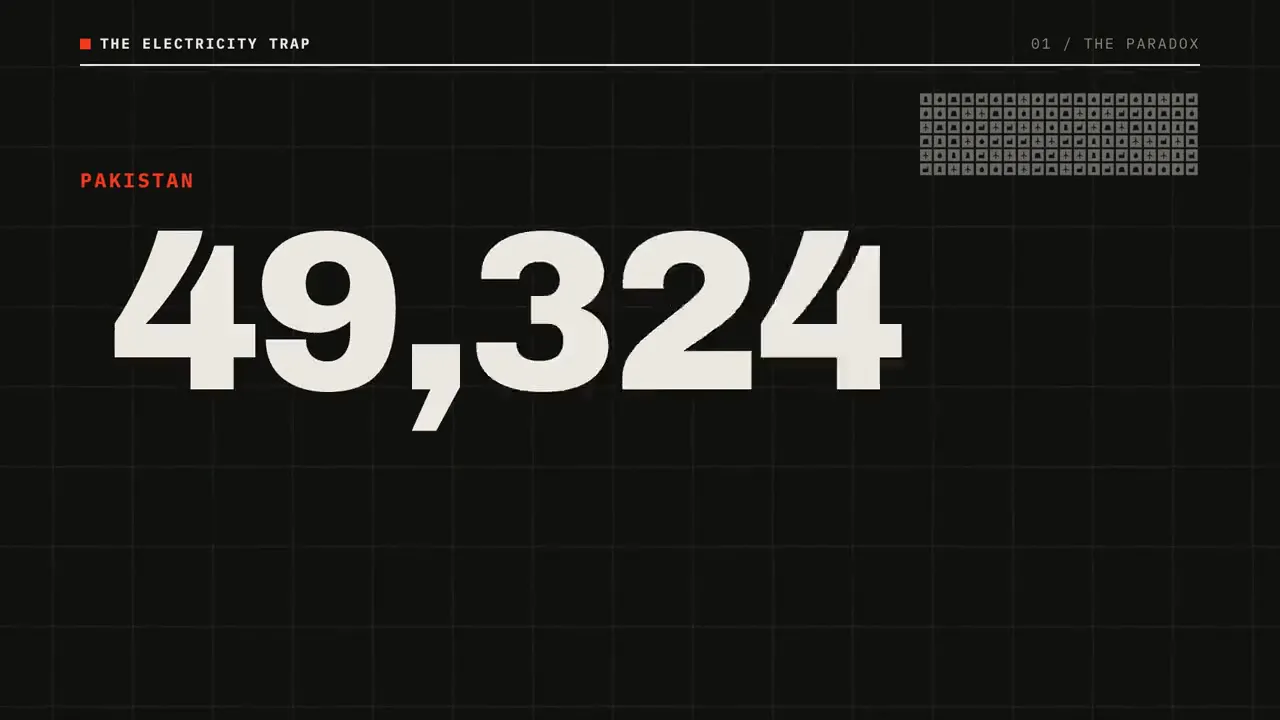
The electricity trap: counters, icons, price chart
by@itsahmedharoonOriginal post
- Charts & data
- Icon motion
- Explainer
Waitlist openMotion design B-roll from your script
Concept UI. The finished video inside is a real edit made from these files.
We’re building an AI B-roll generator that reads your script and animates it: kinetic type for the key lines, animated charts for every number, icon motion for the ideas in between. Not stock footage. Not random AI clips.
Free to join. We’ll only email you about early access.
Showcase
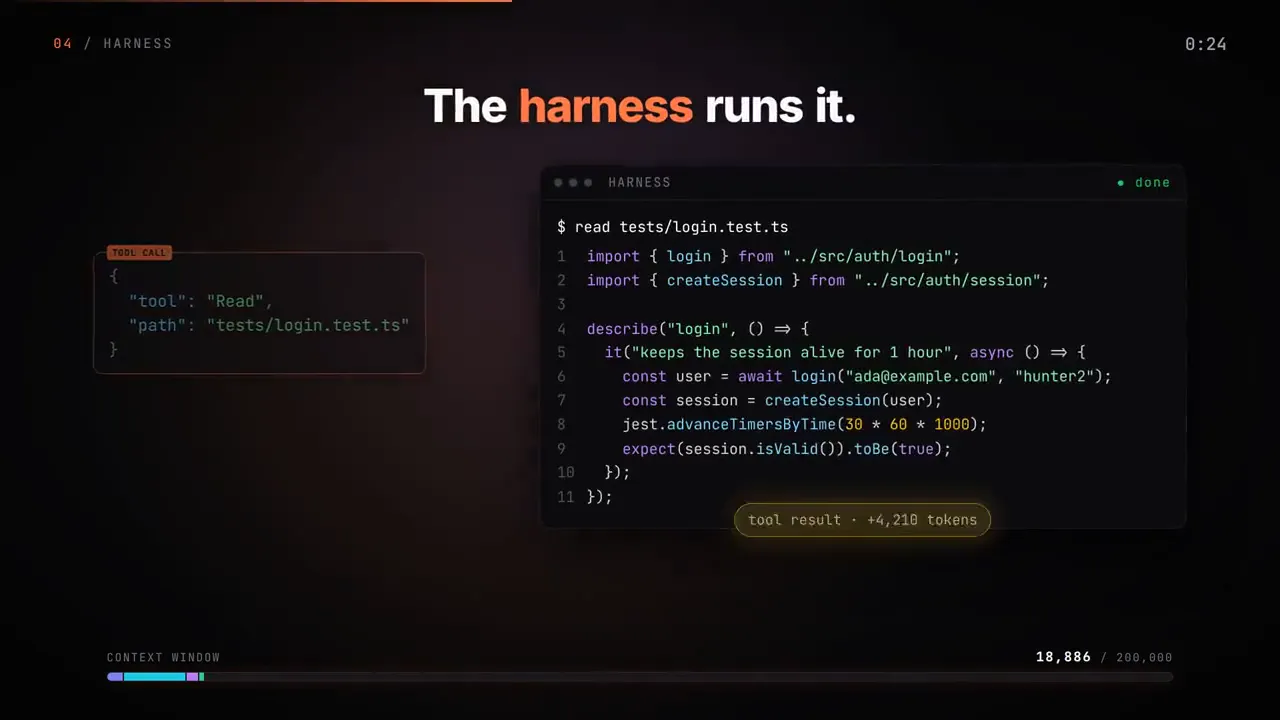
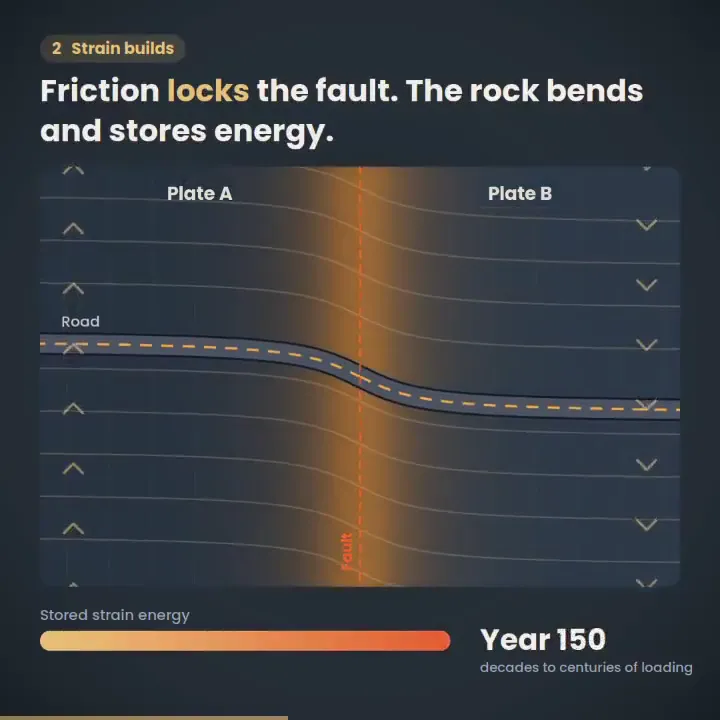
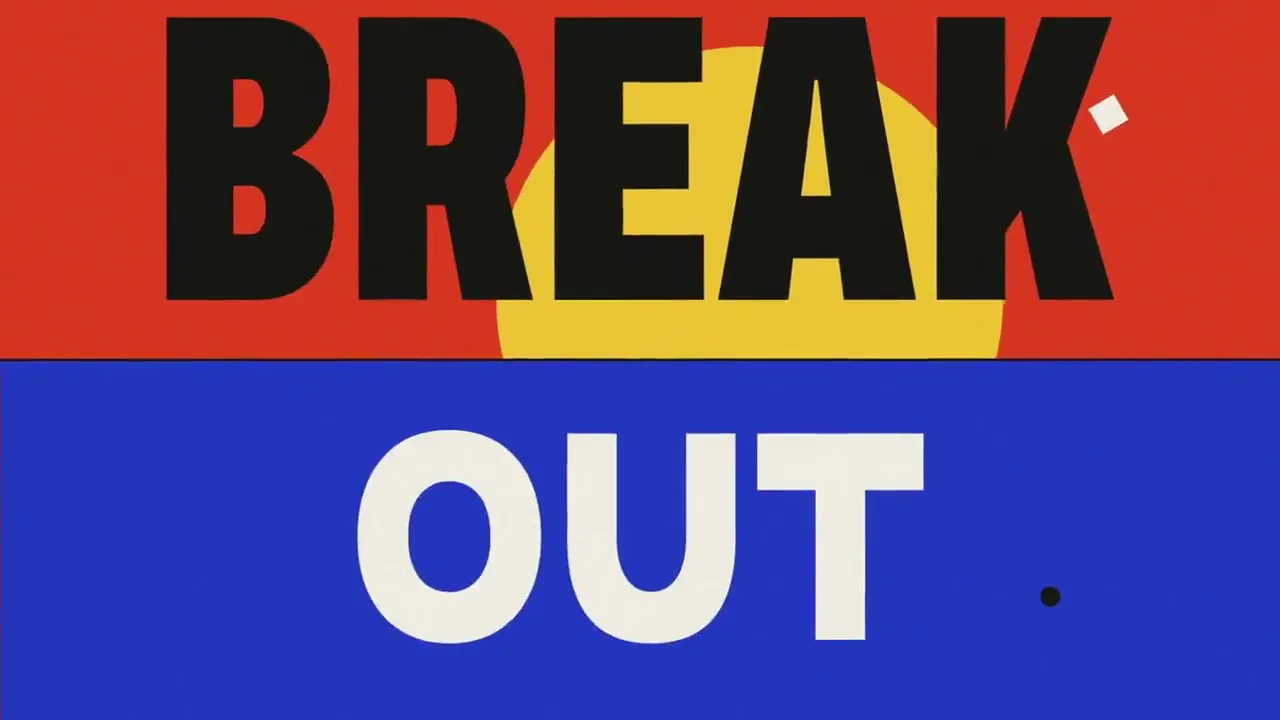
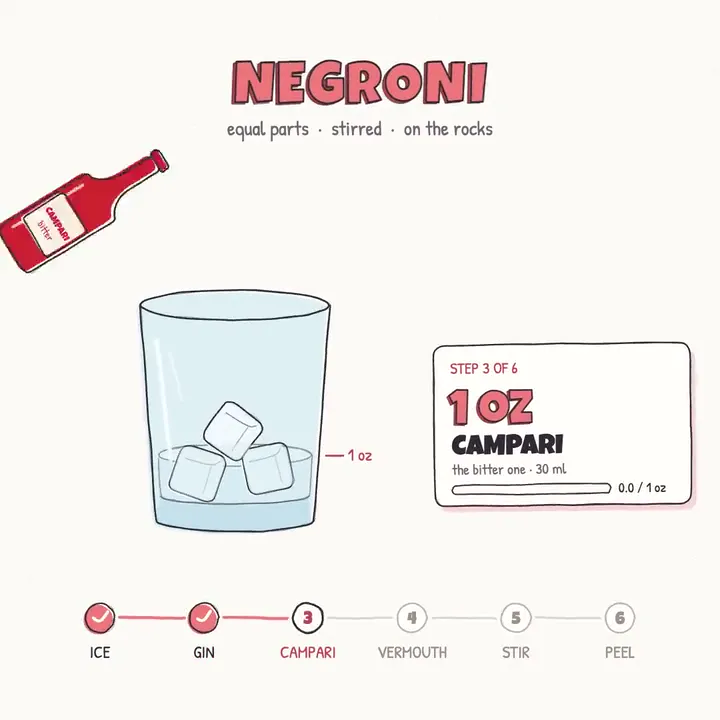
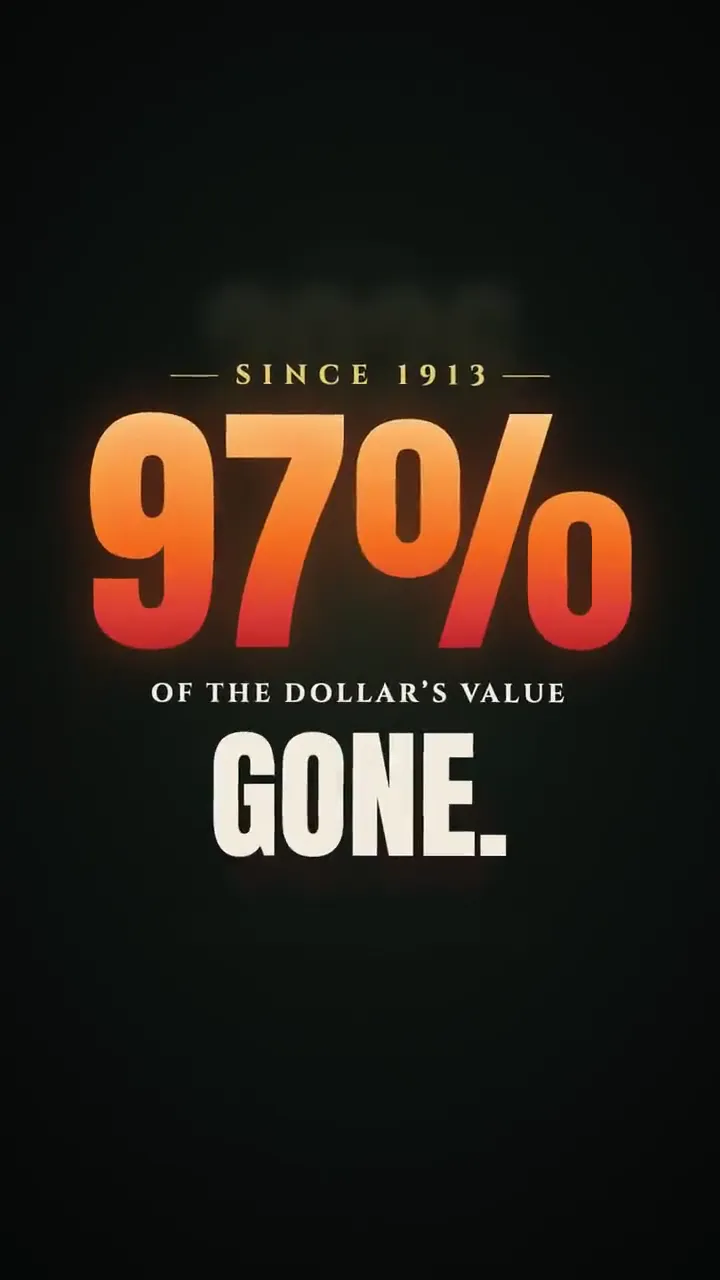
Clips by independent creators who generated them with Claude Opus 5.5, each credited and linked to the original post. This is the kind of B-roll AIBroll is being built to make from your script.
97 clips
by@itsahmedharoonOriginal post

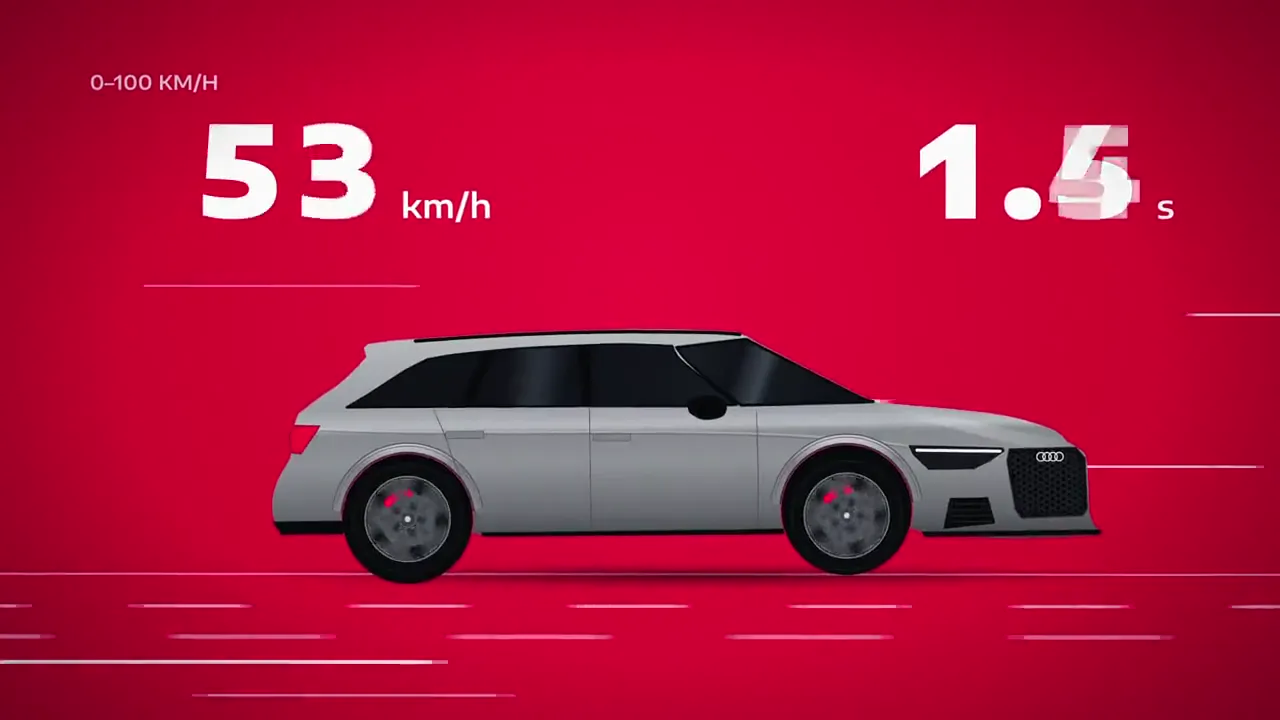
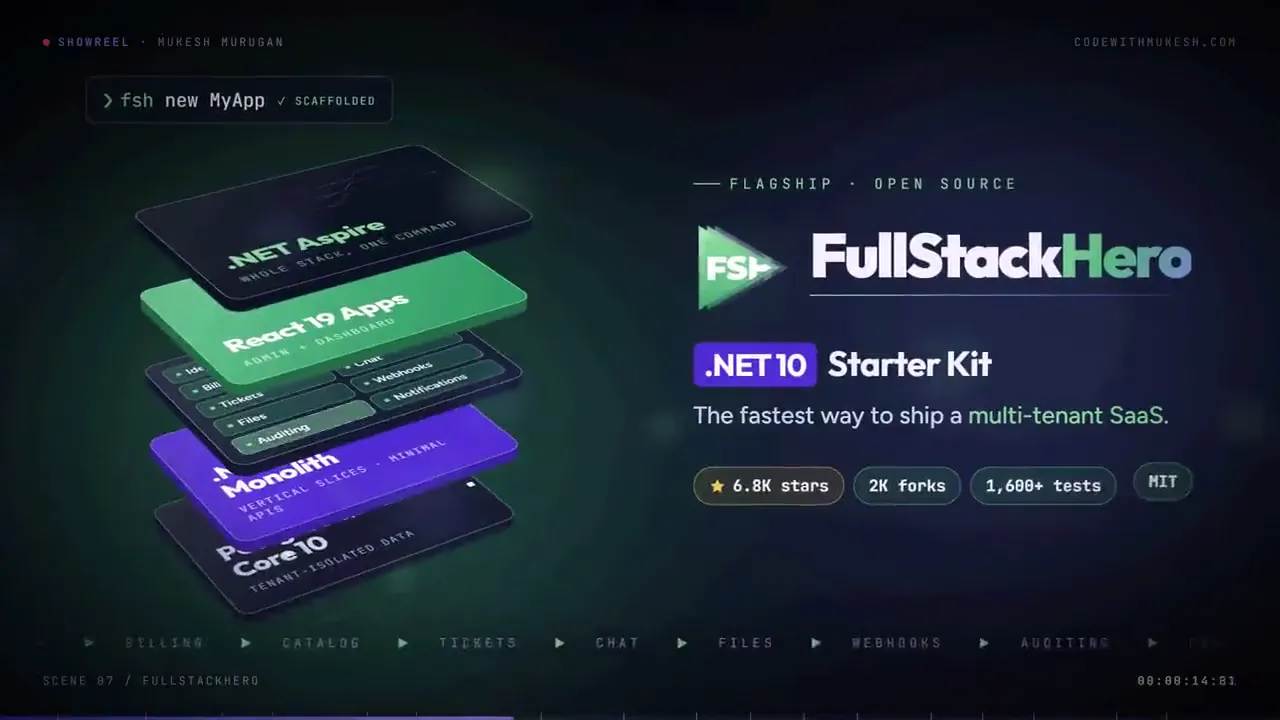
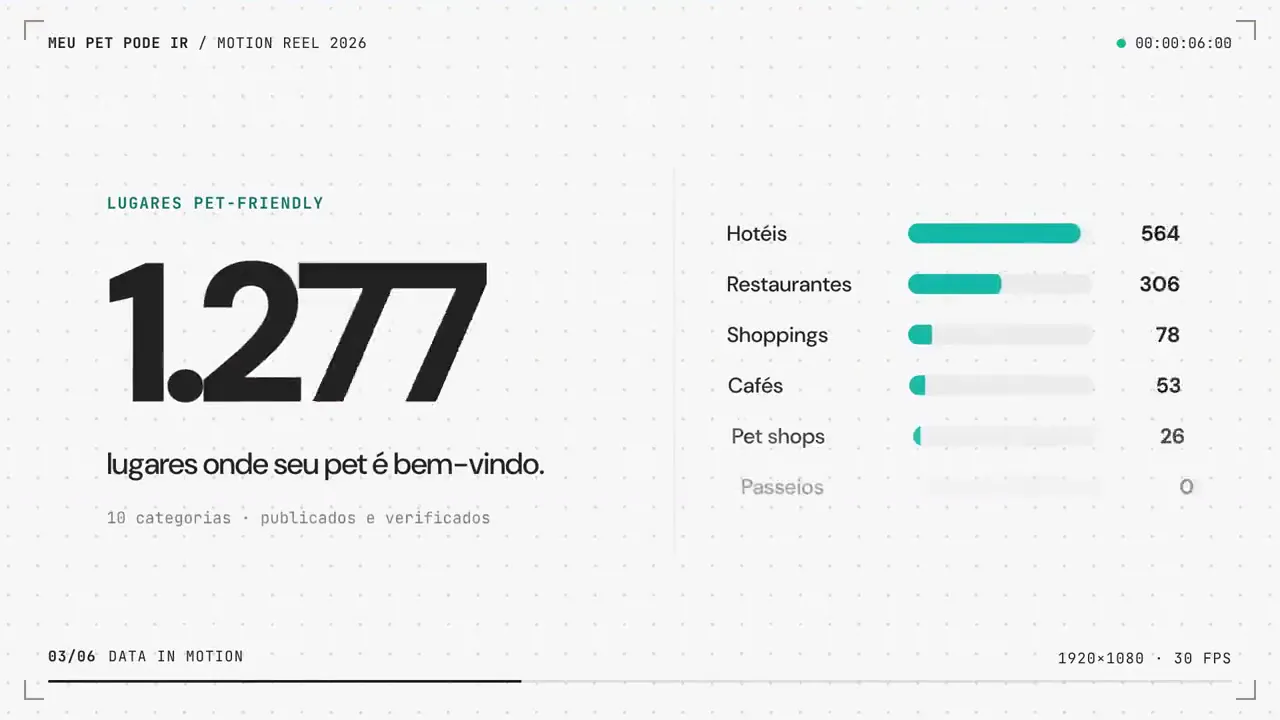
Want this for your script?
Join the waitlist and we’ll tell you when you can turn your own script into motion design B-roll.
How it will workIn development
This is the workflow we’re building. It isn’t live yet, so join the waitlist to be among the first to try it.
Drop in a voiceover script, a video outline or the transcript of a recording. Every sentence becomes a slot on the timeline.
Numbers become animated charts, key phrases become kinetic type, ideas become icon motion, built from what the line actually says rather than a keyword search.
Download the clips in 16:9, 9:16 or 1:1 and drop them into Premiere Pro, Final Cut Pro, DaVinci Resolve or CapCut.
We went from zero to 10,000 users
How AIBroll will match B-roll to a script. Not live yet.
Use cases
Motion design B-roll works wherever the words and numbers matter more than the scenery.
No camera and no A-roll? Motion design B-roll can carry the whole video and keep viewers watching between voiceover beats.
Turn processes, timelines and statistics into animated visuals that make a lesson easier to follow and remember.
Put the offer, the proof and the numbers on screen the moment they are said, the beats that make people stop scrolling.
Show features, workflows and results with clean UI motion and charts instead of generic people-on-laptops footage.
Compare
Each kind of B-roll is good at something. Here is an honest look at where each one fits.
What AIBroll makes
Most good videos mix all three. AIBroll focuses on the motion design part, which the B-roll generators we tested don’t make from a script.
FAQ
Still have a question? Contact us
B-roll is the supporting footage that plays over or between your main shot or voiceover: cutaways, charts, on-screen text, product shots. AI B-roll is B-roll made by AI instead of being filmed or pulled from a stock library. Most AI B-roll generators either search stock footage for you or generate short AI video clips; AIBroll focuses on motion design B-roll generated from your script.
Animated graphics used as B-roll: kinetic typography, animated charts and counters, icon animations, logo reveals and product or UI motion. Explainer channels and ads use it to put an idea or a number on screen at the exact moment it is said.
Today’s B-roll generators pick stock clips or generate AI video that loosely matches a keyword. AIBroll is being built to read each line of your script and animate what it actually says, so “revenue grew 40%” becomes a chart that climbs to 40%, not a stock shot of people in an office.
We are building it now and don’t have a public date yet. People on the waitlist get access first, and we’ll email you as soon as early access opens.
Joining the waitlist is free. Pricing for the product hasn’t been decided yet; we’ll publish it before launch, and joining the waitlist never costs you anything.
That is the plan: clips you generate with AIBroll are meant for your own videos, including monetized YouTube, client work and ads. The exact license will be in our terms at launch. The showcase clips on this page belong to the creators who made them, so ask them before reusing one.
No. AIBroll starts from a script, so it is planned to work for faceless channels and voiceover-only videos as well as for talking-head videos that need cutaways.
Not in the first version, which works from a script. If you have a finished recording, its transcript can serve as the script. Placing clips straight onto your existing timeline is something we are looking at for later.
The plan is standard video files in 16:9, 9:16 and 1:1, which work in Premiere Pro, Final Cut Pro, DaVinci Resolve, CapCut and any other editor.
Independent creators, using Claude Opus 5.5. Every clip is credited to its creator and links to the original post. They show the kind of motion design B-roll we are building AIBroll to generate; they were not made with AIBroll.
Early access
Join the waitlist and be among the first to turn a script into motion design B-roll that matches every word and number.
Free to join. We only email you about early access.